---
title: Thegram 한눈에 보기
description: 현재 웹과 앱 화면을 살펴보고, 업무 서비스를 연결하고, 사용하는 AI에서 같은 맥락을 이어가세요.
url: https://docs.thegram.one/ko/
lang: ko
tier: current
---
# Thegram 한눈에 보기
일의 맥락을, 사용하는 도구에 이어서.
Thegram은 문서·결정·연결된 업무 서비스의 맥락을 함께 다룹니다. 웹과 앱에서 직접 사용하고, 권한을 부여한 AI가 출처와 변경 이력을 확인하며 이어서 일하도록 연결하세요.
[Grok OAuth 안내](/ko/guides/cloud-setup/#grok)도 제공합니다. Cloud 연결을 위해 데스크톱 앱을 실행할 필요는 없습니다. [English overview](/).
## 업무가 있는 서비스를 연결하세요 {#concepts}
[서비스 커넥터 안내](/ko/guides/connectors/)에서 14개 catalogue 항목, 계정 연결, provider 권한, 앱의 승인 제약과 복구 방법을 확인하세요. 연결만으로 모든 문서를 가져오거나 외부 변경을 승인하지는 않습니다.
## 웹과 앱을 같은 맥락으로 {#apps}
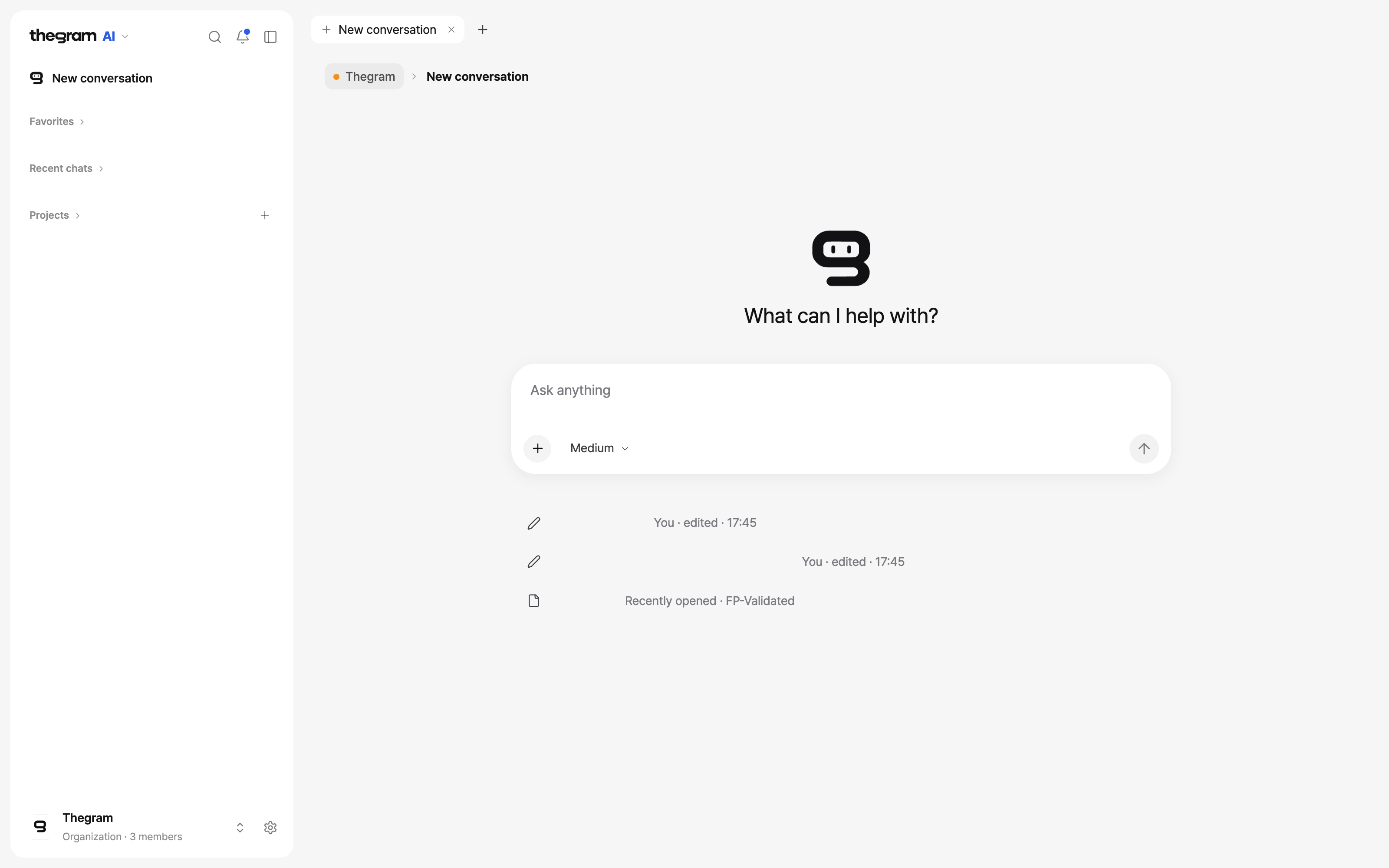
[Thegram 앱 안내](/ko/guides/apps/)에서 새로 촬영한 macOS·iPhone·iPad 화면과 작업별 경로를 확인하세요. 로컬 파일과 Cloud 접근 권한은 같은 범위가 아닙니다.
## 다음 세션을 바로 시작하세요 {#examples}
- [이전 결정과 근거 찾기](/ko/guides/workflows/#find-a-decision).
- [다른 에이전트에게 인수인계](/ko/guides/workflows/#hand-work-over).
- [정정과 과거 상태 구분](/ko/guides/workflows/#review-a-correction).
- [공개 이력 예제](/ko/examples/history-walkthrough/). 고객 계정이 아닌 공개 fixture입니다.
## 정확한 계약과 근거 {#reference}
[MCP tools](/ko/reference/mcp-tools/) · [.gram Reference](/ko/reference/) · [권한](/ko/guides/permissions/) · [연결 문제 해결](/ko/guides/troubleshooting/).
## 출처와 지원 범위 {#appendices}
[지원 범위](/ko/status/) · [원문 출처](/ko/sources/) · [연구](/ko/research/). 번역되지 않은 상세 문서는 영문 원문과 안내를 표시합니다.
## 이전 안내 {#legacy}
[과거 안내](/ko/archive/)는 기존 URL과 원문을 보존하지만 현재 설치 검색에서는 제외합니다.
 ChatGPTThegram 설치와 OAuth 연결 →
 Claudeskill 설치와 커넥터 승인 →
코딩 에이전트Claude Code · Codex · OpenCode · OMP →
Claudeskill 설치와 커넥터 승인 →
코딩 에이전트Claude Code · Codex · OpenCode · OMP →